I often hear developer asking about how to refresh different regions on the same page, when specific event happens in one of the regions - to refresh dependent regions. Usually developers would like to use something more simple than Contextual Event approach. There is more simple approach, may be it doesn't work for all the possible use cases - but it does it job, when just refresh is needed. This approach is based on dummy parameter value, being used as dependent region input parameter, with refresh option set to be ifNeeded.
For the sample test case, I'm using ADF 12c application (SimpleReloadRegionApp.zip). This application contains two AM's, to simulate two Data Controls to be used in separate regions:
![]()
Fragment from the first region, generates refresh event, when Save button is pressed. For this purpose, I have registered Property Listener to update flag variable. This variable value is initialised from refreshToken method, available in RefreshHelperBean:
![]()
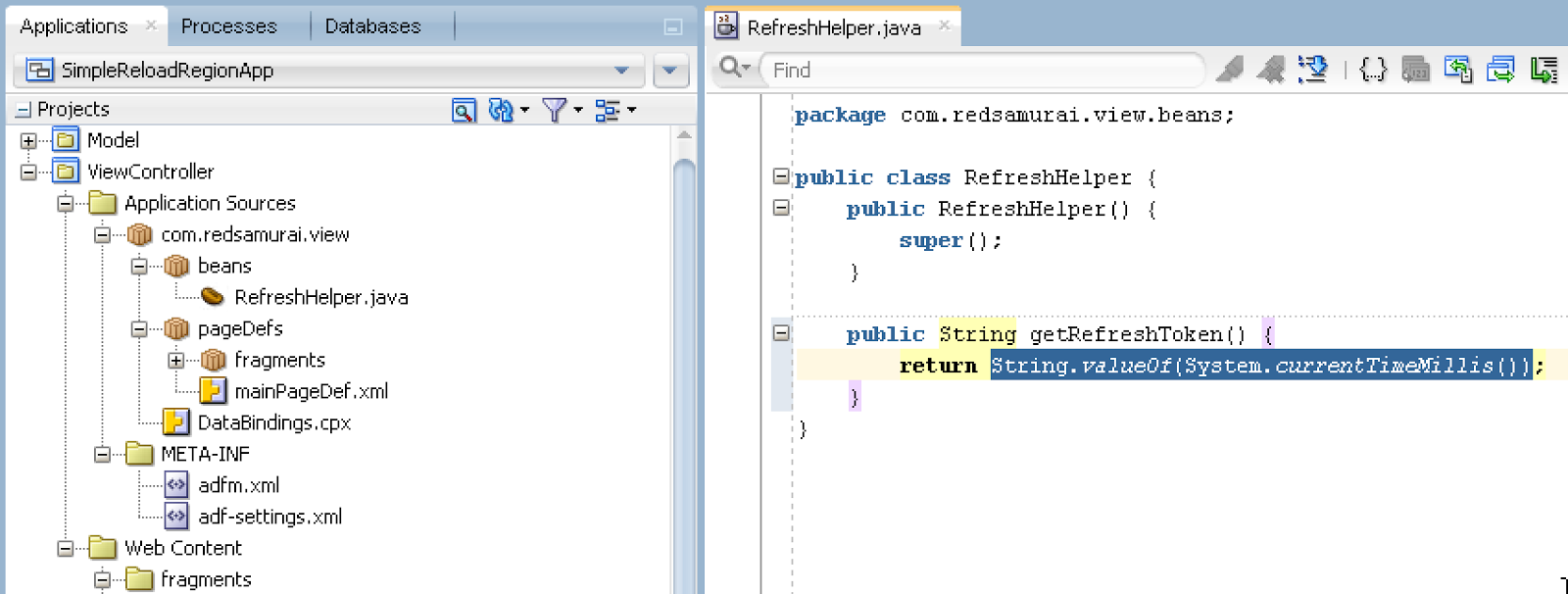
Bean method is very simple, it takes current timestamp value and returns it to String. This value always will be changed and this ensures dependent region refresh:
![]()
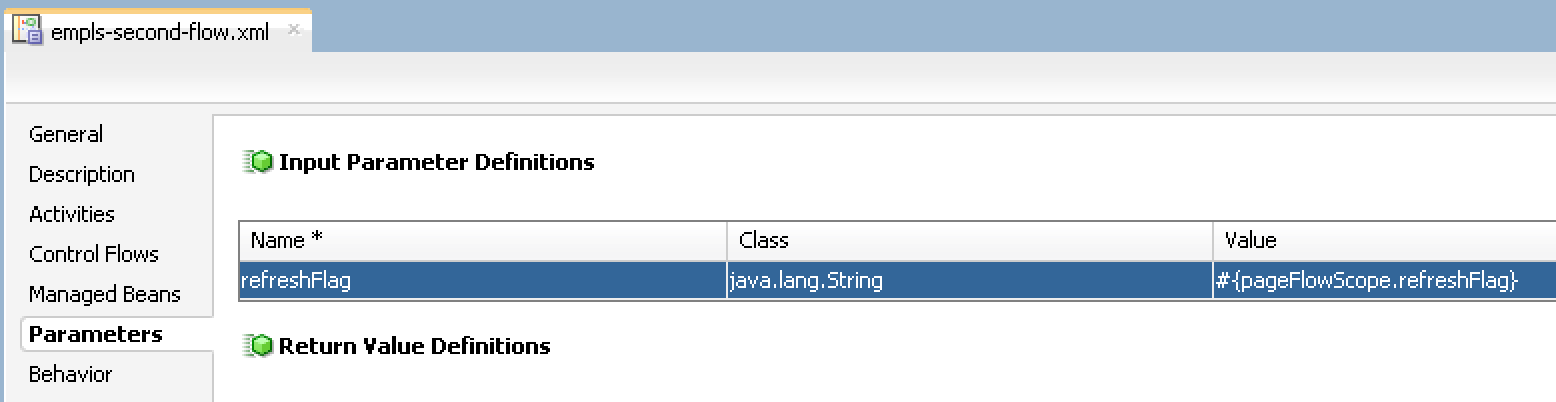
Make sure to set input parameter for the region TF you want to refresh, this should be simple parameter of type String:
![]()
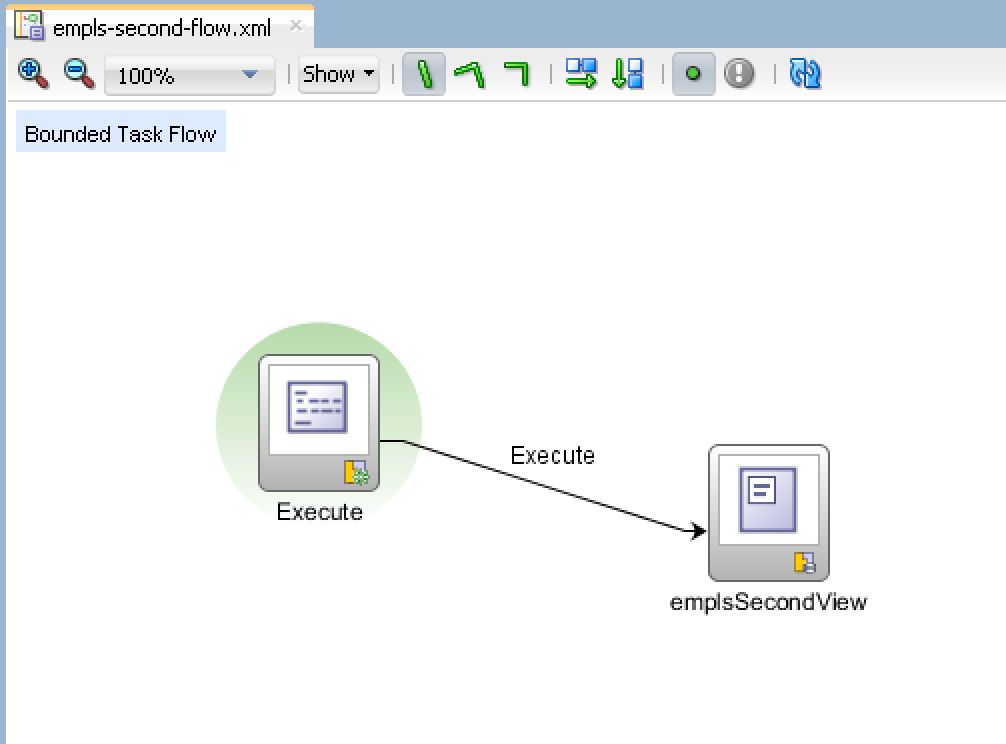
TF must call Execute operation, this will force to reload VO rowset data, before loading the fragment:
![]()
In the main page, where region is consumed, change refresh condition to ifNeeded and set refreshFlag parameter to point to the variable initialized in the first region (by property listener):
![]()
There are two regions rendered on the UI. Once I change data in the top region (form component) and press Save, second region below is refresh automatically and it fetches latest available data from DB:
![]()
For the sample test case, I'm using ADF 12c application (SimpleReloadRegionApp.zip). This application contains two AM's, to simulate two Data Controls to be used in separate regions:

Fragment from the first region, generates refresh event, when Save button is pressed. For this purpose, I have registered Property Listener to update flag variable. This variable value is initialised from refreshToken method, available in RefreshHelperBean:

Bean method is very simple, it takes current timestamp value and returns it to String. This value always will be changed and this ensures dependent region refresh:
Make sure to set input parameter for the region TF you want to refresh, this should be simple parameter of type String:
TF must call Execute operation, this will force to reload VO rowset data, before loading the fragment:
In the main page, where region is consumed, change refresh condition to ifNeeded and set refreshFlag parameter to point to the variable initialized in the first region (by property listener):

There are two regions rendered on the UI. Once I change data in the top region (form component) and press Save, second region below is refresh automatically and it fetches latest available data from DB:
